Installation vs. Deployment: Demystifying Software Setup and Delivery
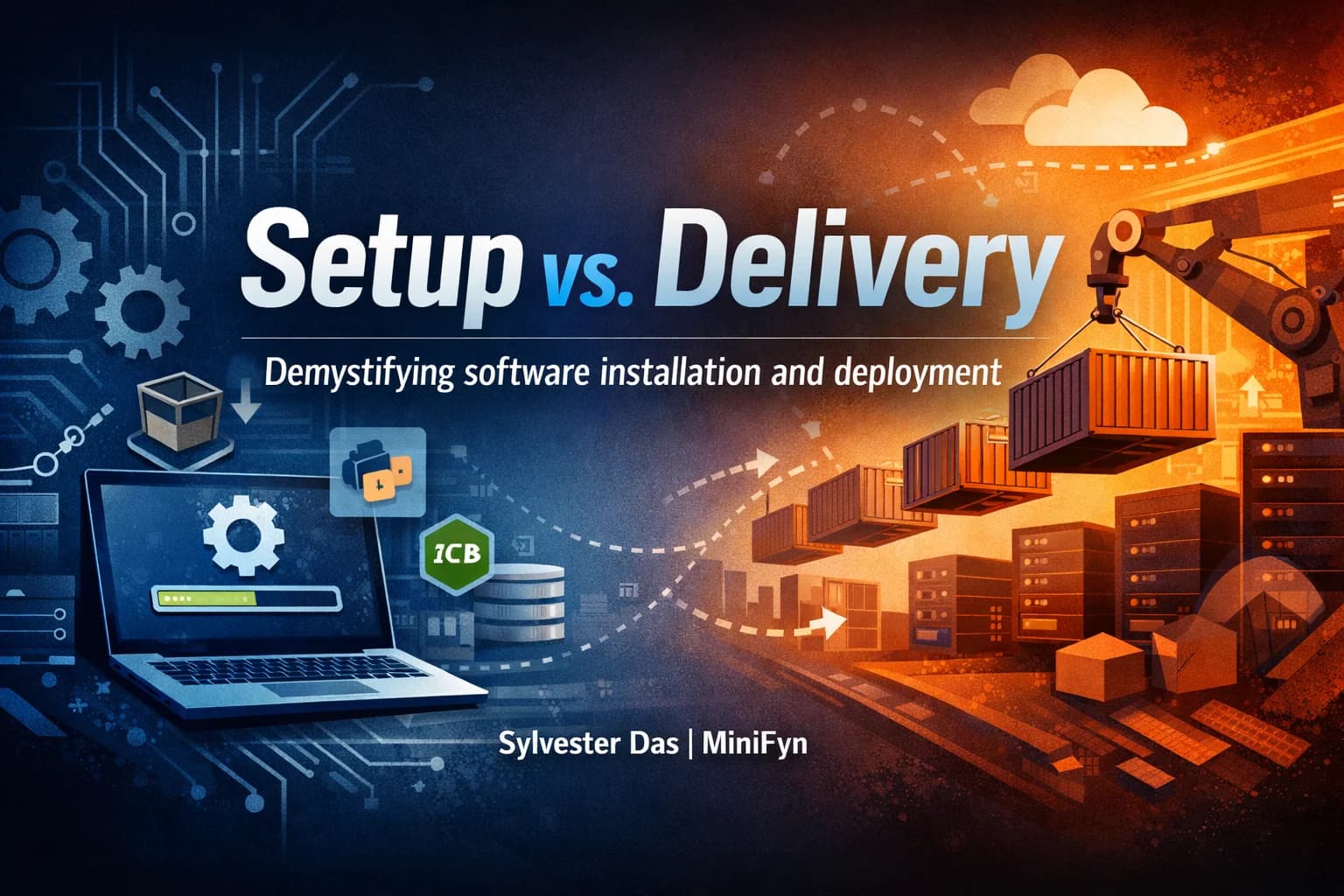
Are 'installation' and 'deployment' simply two words for the same process? While often used interchangeably in casual conversation, these terms represent fundamentally distinct stages in the software lifecycle, each with its own goals, complexities, and best practices. Understanding their core differences is crucial for developers, system administrators, and anyone involved in bringing software from code to user. Let's demystify these concepts and explore why this distinction matters.
What is Software Installation?

At its heart, installation refers to the process of setting up software on a specific local system so that it can run. It's about preparing an individual machine – whether your personal laptop, a development server, or a virtual machine – to host and execute a particular application or tool. Think of it as putting together the puzzle pieces required for software to function in a standalone environment.
The primary goal of installation is to make the software operational on a single device. This typically involves several steps:
Copying Files: Placing the necessary executable files, libraries, and resources onto the system's file directory.
Dependency Resolution: Ensuring all prerequisite software components, frameworks, and libraries are present and correctly configured. For example, installing
npm packagesfor a Node.js application, orpip installfor Python dependencies.Configuration: Setting up environment variables, registry entries (on Windows), or configuration files to tell the software how to behave on that specific system.
System Integration: Registering services, creating shortcuts, or configuring system paths to make the software accessible.
Installation is often a manual or semi-automated process, driven by an installer wizard, a package manager (like apt, yum, brew), or simple script execution. For instance, when you download and run an installer for a new IDE, a database server, or a programming language runtime like Node.js or Python, you are performing an installation. The focus is on getting a single instance of the software ready for use by a single user or a specific local process.
What is Software Deployment?

In contrast, deployment is a far broader and more strategic process. It encompasses all the activities required to make a software application available and accessible to its intended end-users, typically in a production environment. Deployment isn't just about getting software to run; it's about ensuring it runs reliably, scalably, securely, and efficiently for a potentially large and distributed audience.
Deployment involves a systematic approach to move software through various environments – from development to testing (staging) and finally to production. Key aspects of deployment include:
Packaging and Bundling: Creating deployable artifacts (e.g., Docker images, WAR files, executables) that contain the application code and its dependencies in a standardized, portable format.
Environment Provisioning: Setting up and configuring the underlying infrastructure (servers, databases, networks, load balancers) where the application will reside. This often leverages Infrastructure as Code (IaC) tools like Terraform or CloudFormation.
Configuration Management: Applying environment-specific settings (database connection strings, API keys, scaling parameters) that differ from development or testing environments.
Orchestration: Managing the lifecycle of multiple application instances across a cluster of machines, ensuring high availability, load balancing, and auto-scaling. Tools like Kubernetes are central here.
Automation and CI/CD: Implementing Continuous Integration and Continuous Delivery (CI/CD) pipelines to automate the build, test, and deployment processes, minimizing manual errors and accelerating releases.
Monitoring and Rollback: Establishing systems to observe application performance and health post-deployment, and having robust strategies for quickly reverting to a previous stable version if issues arise.
Deployment is fundamentally about delivering a functional service, not just a piece of software. It's a critical DevOps practice focused on the entire operational lifecycle of an application in a distributed, user-facing context. Think of deploying a microservices architecture to a cloud provider, updating a large-scale web application, or rolling out a new version of a mobile app to an app store.
Key Distinctions: Installation vs. Deployment
To solidify the understanding, let's highlight the primary differences:
| Feature | Installation | Deployment |
|---|---|---|
| Scope | Single system (laptop, VM) | Entire environment (servers, cloud, distributed systems) |
| Goal | Make software runnable on a local machine | Make application available and reliable for end-users |
| Context | Development, testing, personal use | Production, staging, enterprise-grade services |
| Focus | Setting up prerequisites and software binaries | Delivering, managing, and operating a service |
| Complexity | Generally simpler, often interactive | Often complex, automated, systematic |
| Tools | Package managers (apt, npm), installers, scripts | CI/CD pipelines, IaC, container orchestrators (K8s) |
| Ownership | Developers, end-users, system administrators | DevOps engineers, SREs, operations teams |
When to Use Which: Practical Scenarios
Knowing when to apply each concept is vital:
Choose Installation when: You're setting up a new development workstation, trying out a new programming language or tool, installing a desktop application for personal use, or configuring a specific library for a local project. The outcome is local functionality.
Choose Deployment when: You're launching a new version of a web application, updating a backend service, rolling out a mobile app, or scaling an existing service to handle more traffic. The outcome is a live, accessible, and operational service for users.
Tradeoffs and Considerations
While installation offers quick, localized setup, it lacks the robustness and scalability required for production. Deployment, though initially more complex due to the need for automation, infrastructure provisioning, and robust monitoring, provides the foundation for reliable, scalable, and maintainable applications. Investing in strong deployment practices, particularly CI/CD, significantly reduces risks, speeds up delivery, and improves the overall quality of software over time. The overhead of setting up a deployment pipeline pays dividends in consistency, speed, and reliability for any user-facing application.
Conclusion
Distinguishing between installation and deployment isn't just semantic nitpicking; it's fundamental to structuring efficient, robust, and scalable software delivery processes. Installation prepares a single machine for software execution, while deployment orchestrates the delivery and ongoing operation of an application to its users across potentially complex environments. By understanding these differences, teams can choose the right tools and strategies for each stage, leading to smoother development workflows and more reliable production systems.