tiks: Generate Dynamic UI Sound Effects with Web Audio API (No Audio Files!)
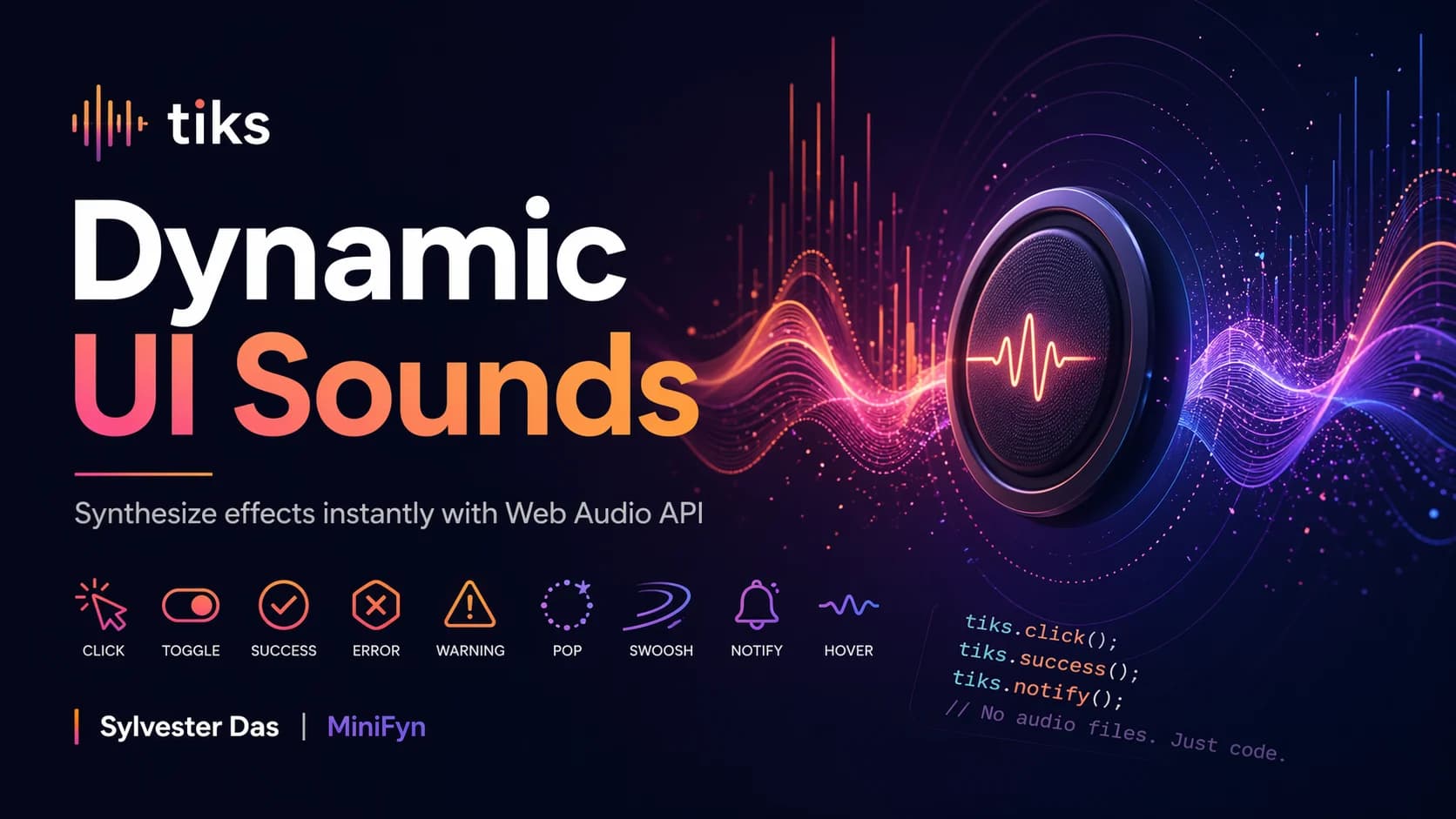
Adding subtle auditory feedback to user interfaces can significantly enhance the user experience, making applications feel more responsive and intuitive. However, traditionally, this involves managing a collection of audio files – click.mp3, success.wav, error.ogg, and so on. This approach introduces several challenges: file size, loading latency, format compatibility, and the rigidity of pre-recorded sounds.
What if you could generate all your UI sounds dynamically, at runtime, without a single audio file? Enter tiks, a lightweight JavaScript library that leverages the powerful Web Audio API to synthesize interaction sounds on demand. Every 'click', 'toggle', 'success', or 'hover' sound is created from scratch using oscillators, noise buffers, and gain envelopes the very moment it's needed.
How tiks Utilizes the Web Audio API
At its core, tiks utilizes the Web Audio API, a high-level JavaScript API for processing and synthesizing audio in web applications. Instead of playing back a pre-recorded sound, tiks constructs the sound in real-time. This involves:
Oscillators: Generating fundamental waveforms (sine, square, sawtooth, triangle) at specific frequencies to create musical tones.
Noise Buffers: Producing white noise for percussive or 'fuzzy' effects.
Gain Nodes: Controlling the volume of the sound over time, creating attack, decay, sustain, and release (ADSR) envelopes that shape the sound's character.
Filters: Applying low-pass or high-pass filters to further sculpt the sound's timbre.
Key Features of tiks

The tiks library comes equipped with a comprehensive set of features designed for common UI interactions:
10 Essential Interaction Sounds: Out of the box,
tiksprovides ready-to-use sounds forclick,toggle,success,error,warning,hover,pop,swoosh, andnotify. These cover the vast majority of feedback needs for typical web applications.Two Built-in Themes: To quickly match your application's aesthetic,
tiksoffers two distinct themes:Soft: Characterized by warm, rounded tones, ideal for gentle feedback.
Crisp: Featuring sharp, mechanical sounds, perfect for precise, immediate feedback.
Custom Theme API: For those who need granular control,
tiksexposes a robust API to define custom themes. You can fine-tune every parameter – from waveform type and frequency modulation to filter cutoff and gain envelope timings – allowing for truly unique sound palettes.Framework Integrations:
tiksprovides convenient wrappers for popular frontend frameworks, including a React hook and a Vue composable, simplifying integration into your component-based applications.
Getting Started with tiks
Integrating tiks into your project is straightforward.
First, install it via npm or yarn:
npm install tiks
# or
yarn add tiks
Then, you can import and use it directly. Here's a basic example for a click sound:
import { createTiks } from 'tiks';
const tiks = createTiks(); // Uses the default 'soft' theme

document.getElementById('myButton')
  .addEventListener('click', () => { tiks.click(); });
To use a different built-in theme, simply pass it during initialization:
import { createTiks } from 'tiks';
const tiksCrisp = createTiks('crisp');
document.getElementById('anotherButton')
.addEventListener('click', () => { tiksCrisp.click(); });
Crafting Custom Sounds and Themes

The real power of tiks shines with its custom theme capabilities. You can define a new theme by specifying the parameters for each sound type. For instance, creating a custom 'pop' sound might involve adjusting its frequency and decay.
import { createTiks } from 'tiks';
const customTheme = {
  pop: {
    waveform: 'sine',
    frequency: 440, // A4 note
    duration: 0.1, // Shorter duration
    attack: 0.01,
    decay: 0.05,
    release: 0.04,
    gain: 0.8,
    filter: {
      type: 'lowpass',
      frequency: 2000,
      q: 1
    }
  },
// ... define other sounds or inherit from existing themes
};
const tiksCustom = createTiks(customTheme);document.getElementById('customPopButton').addEventListener('click', () => { tiksCustom.pop();});
This level of control allows developers to precisely match their brand's auditory identity, moving beyond generic stock sounds.
Framework Integration Examples
For React users, the useTiks hook simplifies sound management within components:
import React from 'react';
import { useTiks } from 'tiks/react'; // Assuming 'tiks/react'

exportfunction MyComponent() { const tiks = useTiks('crisp'); // Or pass a custom theme object
return ( <button onClick={() => tiks.click()}> Click me for crisp feedback </button> );};
Similar composables are available for Vue, streamlining the process of adding dynamic UI sounds to your framework-based applications.
Tradeoffs and Considerations
While tiks offers significant advantages, it's important to consider some tradeoffs:
Browser Compatibility: As
tiksrelies on the Web Audio API, ensure your target audience's browsers support it. Modern browsers generally have excellent support.Sound Complexity: While
tiksexcels at generating clean, synthetic UI sounds, it may not be suitable for highly complex, organic, or speech-based audio requirements. For those, traditional audio files might still be necessary.Performance: Synthesizing sounds in real-time is generally efficient, but generating a very large number of complex sounds simultaneously might impact performance on extremely low-end devices. For typical UI interactions, this is rarely an issue.
Conclusion
tiks presents a compelling modern approach to UI sound design, eliminating the need for audio files and empowering developers with dynamic, customizable sound generation. By harnessing the Web Audio API, it offers a performant, flexible, and developer-friendly solution to enhance user experience through auditory feedback. If you're looking to elevate your web application's interactivity with crisp, responsive sounds without the overhead of managing audio assets, tiks is definitely worth exploring. Give your users the delightful feedback they deserve.